
Color by Number:Coloring Games review
 Analysis by GetAllApps
I’d recommend Color by Number: Coloring Games to someone who wants a low-pressure activity built around filling in pictures rather than competing, planning a strategy, or learning a complicated set of rules. It sits in the board-game category, but its appeal is closer to a digital coloring book: the focus is on painting by number, pixel-art images, and a sandbox-style drawing element. That mix gives it a different feel from a conventional board game, so it is worth knowing what kind of pastime you are choosing before you install it.
Wildlife Studios released the game on January 4, 2018, and it remains a substantial, established title, with more than 100 million installs and an average rating of 4.6 from around 530,000 ratings. Those figures suggest that the basic idea has found a broad audience, though popularity alone does not tell you whether its style will suit you. I’d judge it by a more personal question: do you enjoy completing a picture in small, orderly steps, or would you rather draw freely from a blank canvas?
When coloring feels easy—and when it becomes a sticking point
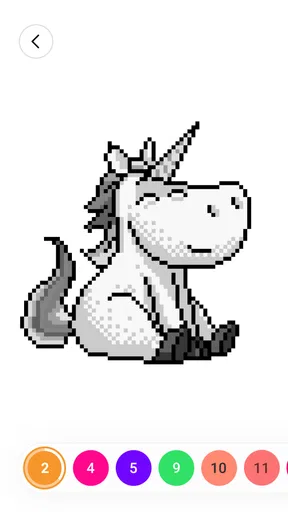
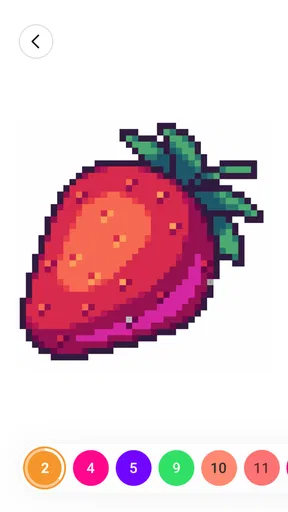
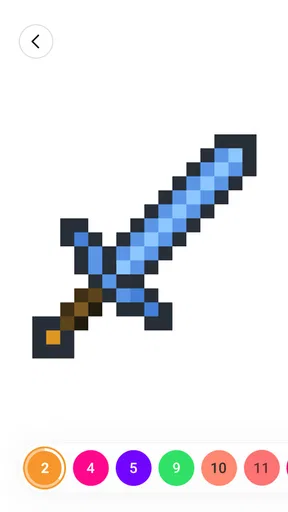
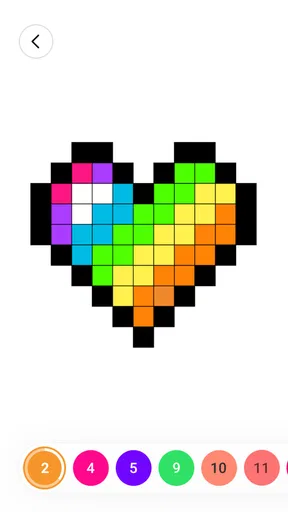
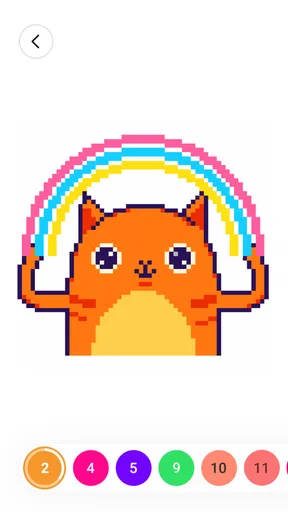
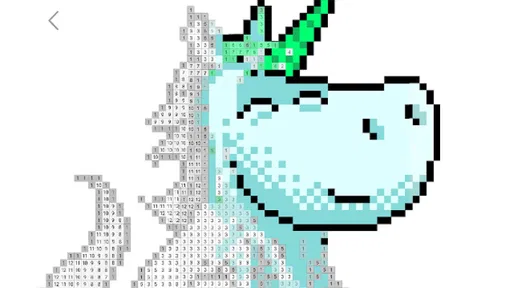
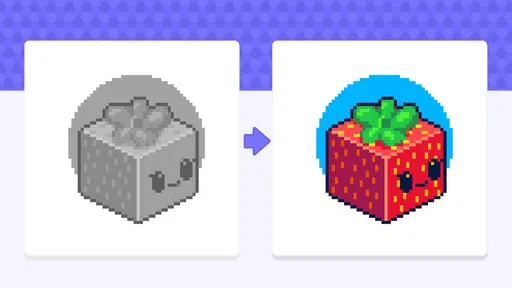
The central attraction is the structure. A number-based picture gives you a defined task and a visible destination, which can be more relaxing than deciding what to draw from scratch. Pixel-art coloring also suits short sessions: you can focus on a little portion of an image, pause, and return when you feel like continuing. The game’s store description also identifies a three-dimensional sandbox drawing component, so the experience is not presented as only one kind of coloring activity.
That structure is also the first possible friction point. If you want to invent your own subject, choose every color, and build an image from a blank page, coloring by number may feel too guided. The numbered approach is designed around following a picture’s scheme, not replacing it with your own artistic decisions. I would choose a drawing app with open-ended tools instead if the creative process matters more to me than the satisfaction of completing a preset image.
Another useful distinction is between coloring for calm and coloring for a challenge. This is not the kind of board game I’d pick for tactical decisions, a lively group session, or a contest of skill. Its stated identity is painting and sketchbook-style play. If you are expecting the turn-taking, negotiation, or strategic choices associated with familiar tabletop games, the category label may give you the wrong impression. Think of it as a quiet visual activity that happens to be grouped with board games.
In everyday use, I can imagine opening it while waiting for an appointment or taking a short break between chores. The advantage of numbered coloring in that situation is that there is no need to prepare materials or decide on a project before starting. The trade-off is that a small screen and a detailed image can make a quick session feel less effortless if you are trying to work through a tiny area. For a relaxed pause, I’d choose a picture that looks manageable rather than treating every image as a task to finish immediately.
Check the fit before you settle into a routine
The game is free to download and rated Everyone, which makes it easy to try as a casual activity. It does include in-app purchases, with listed item prices ranging from $7.99 to $99.99. I would treat those purchases as an optional spending decision, not as a reason to assume that the basic idea requires payment. Before buying anything, check the item description and the displayed price in the app store, and decide whether the particular purchase is worth it to you. That is especially sensible if the device is shared with a child.
The current version is 4.51.0, and the minimum operating-system requirement is Android 6.0. If installation is the immediate obstacle, the practical first check is whether the device meets that requirement and has enough room for the download. On a device that does not meet the minimum, repeated attempts to reinstall are unlikely to solve the underlying compatibility issue; using a supported device is the more direct option. iOS readers should check the requirements shown in their own app store rather than assuming that the Android requirement applies to their device.
If the game installs but does not open, I’d start with ordinary, low-risk checks instead of jumping to conclusions about the app. Close it and try again, restart the device, and make sure the operating system is up to date. If the problem persists, check the app store for an available update and confirm that the device has some free storage. These steps are useful for many mobile apps, but they are not a guarantee; if the same problem continues, the app store’s support route is a better next step than repeatedly deleting and reinstalling without a clear reason.
It is also worth checking what you mean by “not working.” An installation issue, a screen that fails to respond, and a picture that simply takes longer than expected to complete are different problems. For a brief delay, giving the app a moment and avoiding rapid repeated taps can help you tell whether it is processing an action or genuinely stuck. If the whole device is slow, close other open apps and try again. If only this game has a persistent problem, updating it or contacting support makes more sense than treating a device-wide slowdown as a coloring issue.
Recover your place without turning a small problem into a bigger one
For a coloring activity, losing progress can be more frustrating than a short pause, so I’d make a habit of leaving the app normally when I can rather than closing it in the middle of a moment when the device is already struggling. If it becomes unresponsive, wait briefly, then close and reopen it. Avoid clearing app data or uninstalling as an early troubleshooting step: actions that reset local app information can affect saved state in some apps, and there is no good reason to take that risk before trying simpler checks.
If a picture does not look as though it has changed after you tap, first check whether the selected area is the one you intended. Number-based coloring depends on matching a region to its assigned number, so a mistaken selection can look like a failed response even when the app is behaving as designed. Zooming in, where the app allows it, or slowing down your taps is a sensible way to inspect a small region. I would not assume that every missed fill means the image or device is broken.
A useful workflow is to treat each session as a small, self-contained break. Choose an image, work on a visible section, and stop when you have had enough rather than racing to complete the entire picture. This matters because the appeal is incremental progress, not a timed performance. It also makes it easier to notice whether a difficulty comes from the image being fiddly, the phone responding slowly, or simply from needing a pause. When the screen feels cramped, changing your grip or using the device in a more comfortable position may help more than tapping faster.
For the sandbox drawing side, I would approach it with different expectations from the numbered pictures. The store summary describes it as a three-dimensional drawing experience, but that wording alone does not tell you how every tool behaves. A practical way to judge it is to try a simple mark or small sketch first, then decide whether the controls and visual style feel comfortable. If what you need is a full-featured art workspace with precise control, layers, or a professional drawing workflow, choose an app specifically built for that purpose instead of assuming a casual coloring game will replace it.
Separate app trouble from device or expectation trouble
Some frustrations are not evidence of a fault. A picture that takes longer to color than expected may simply contain more small regions than you want to handle in a short break. A screen that feels difficult to use may be a mismatch between the image detail and the size of the device. And a lack of free-form control in a numbered activity is a design trade-off, not necessarily a malfunction. Recognizing those differences can save time: troubleshoot genuine freezes, but switch activities when the real issue is that you wanted a different kind of creative freedom.
Likewise, if a device is nearly full or generally sluggish, the game may not be the only cause of a poor experience. Check storage and close other apps before deciding that the coloring itself is at fault. If the issue appears only after an update, restarting the device and checking for another available update are reasonable first moves. If the problem remains limited to this title, describe what happens clearly when seeking help: whether it fails to launch, stops responding, or behaves differently while coloring. A specific description is more useful than saying only that it is broken.
Compared with traditional coloring books, the digital format is convenient and avoids needing pencils, pages, or a particular place to sit. Compared with general drawing apps, it offers a more guided route into making an image, which can be welcome when you do not want to start from nothing. The cost of that convenience is that the activity can feel less personal than choosing your own subject and palette. Compared with strategy-focused board games, it is quieter and more solitary in spirit. I would pick it for a calm screen break, not for social play or a demanding mental challenge.
Who is likely to enjoy it
I think it is best suited to people who like tidy, step-by-step tasks and enjoy seeing an image take shape through repeated small actions. It may also work for someone who wants a gentle activity to occupy a short wait, provided they are comfortable using a phone or tablet for close visual work. The Everyone age rating makes it broadly accessible, but an adult should still consider whether in-app purchases are appropriate on a shared device and use the device’s purchase controls where needed.
I would skip it if your priority is unrestricted illustration, detailed art editing, multiplayer board-game sessions, or a game built around winning and losing. I would also look elsewhere if tiny screen interactions routinely frustrate you or if you prefer activities that do not involve looking at a screen. Those are not small caveats: the number-based coloring concept is the point, and it will not become a freehand art tool or a conventional tabletop game simply because it includes a drawing element.
A practical verdict for a low-pressure break
Color by Number: Coloring Games makes the most sense when you want a guided, visual pastime that can be picked up in brief sessions. Its combination of numbered coloring, pixel-art imagery, and a sandbox drawing angle gives it more than one creative flavor, while the overall idea remains approachable rather than demanding. Wildlife Studios has built a widely installed game with a strong average rating, but the right choice still depends on whether you enjoy following a visual template.
I’d try it if a coloring book sounds more appealing than a blank canvas and I wanted something calm to do while waiting or winding down. I’d be cautious about purchases, check compatibility before troubleshooting an installation, and avoid risky reset steps if progress matters. If those expectations fit, it is a reasonable free game to explore. If you want precise artistic control, deep strategy, or a screen-free hobby, a different option will serve you better.
Pros and cons
Pros
- Simple tap-to-fill controls are easy to learn.
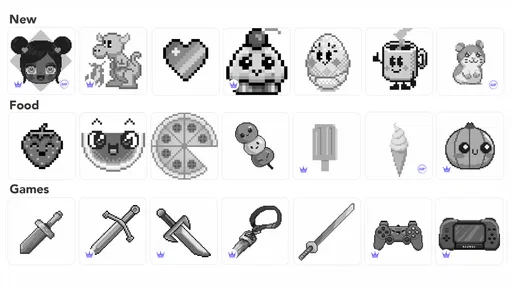
- A wide range of pictures offers options for different tastes.
- Numbered color areas make it easy to follow each design.
- Completed pictures can be saved and shared.
- Short coloring sessions suit quick breaks.
Cons
- Some artwork and features may require in-app purchases.
- Ads can interrupt the coloring experience.
- Small sections may be difficult to fill precisely on phones.
- Color choices are limited by each picture's palette.
- The app may need an internet connection for some content.


